Built on Claude Code and
iTerm2. The future is supervising agents that overgenerate
rich reports so you choose the best — not doing the work yourself. This is the infrastructure
that makes one developer + AI produce like a small team.
~23k
Lines of Code
6
CLI Tools
3
Backend Services
2s
Fork → Running
The Grid — See Everything at Once
A web dashboard at hub.localhost/grid
showing all active Claude Code sessions as cards. Each card has the session name, badge, topic tree,
and timestamps. Click a card to focus that pane in iTerm2.
Live grid view — 13 active sessions across 3 iTerm2 windows. Each card shows badge, topic tree, and last activity.
Each Card Shows
Session name + badge emoji
Current task (from badge)
ASCII topic tree (what's been worked on)
Last update timestamp
Window/tab grouping (matches iTerm2 layout)
How It Connects
The statusline in every session shows a grid:XXXX link — one click to jump
from any session to the full overview. The grid polls session state via the
iterm2d daemon and watch DB, refreshing every 30 seconds.
When running 5-10 concurrent sessions, tab-cycling through iTerm2 is O(n).
The grid gives O(1) access to any session — scan, click, focus.
The Thesis
We build meta-tools that compound shipping velocity. Every hour spent on tooling saves
ten hours of repetitive friction across hundreds of future sessions.
The Problem
A solo developer running 5-10 concurrent AI coding sessions hits a wall: Which session needs attention?
What's each one working on? How do I spawn a new one without losing context? How do I know if one is stuck?
Without tooling, you spend more time managing sessions than doing actual work.
The Solution
Build on Claude Code and iTerm2 — don't replace them, extend them. A layered infrastructure
where every operation — spawning sessions, monitoring health, switching context, capturing learnings —
is fast enough to be invisible. The developer stays in flow; the tools handle orchestration.
Architecture — Four Layers
CLI tools call HTTP daemons, which orchestrate iTerm2 and session discovery, which feeds
monitoring and autonomy systems. Each layer is independently useful.
CLI Tools
ops — sessions
it2 — iTerm2
ai — LLM calls
appctl — macOS
learn — knowledge
vario — multi-model
Daemons
iterm2d:6190 — persistent WebSocket to iTerm2
llm-server:8120 — embeddings + LLM
supervisor:8190 — auto-respond
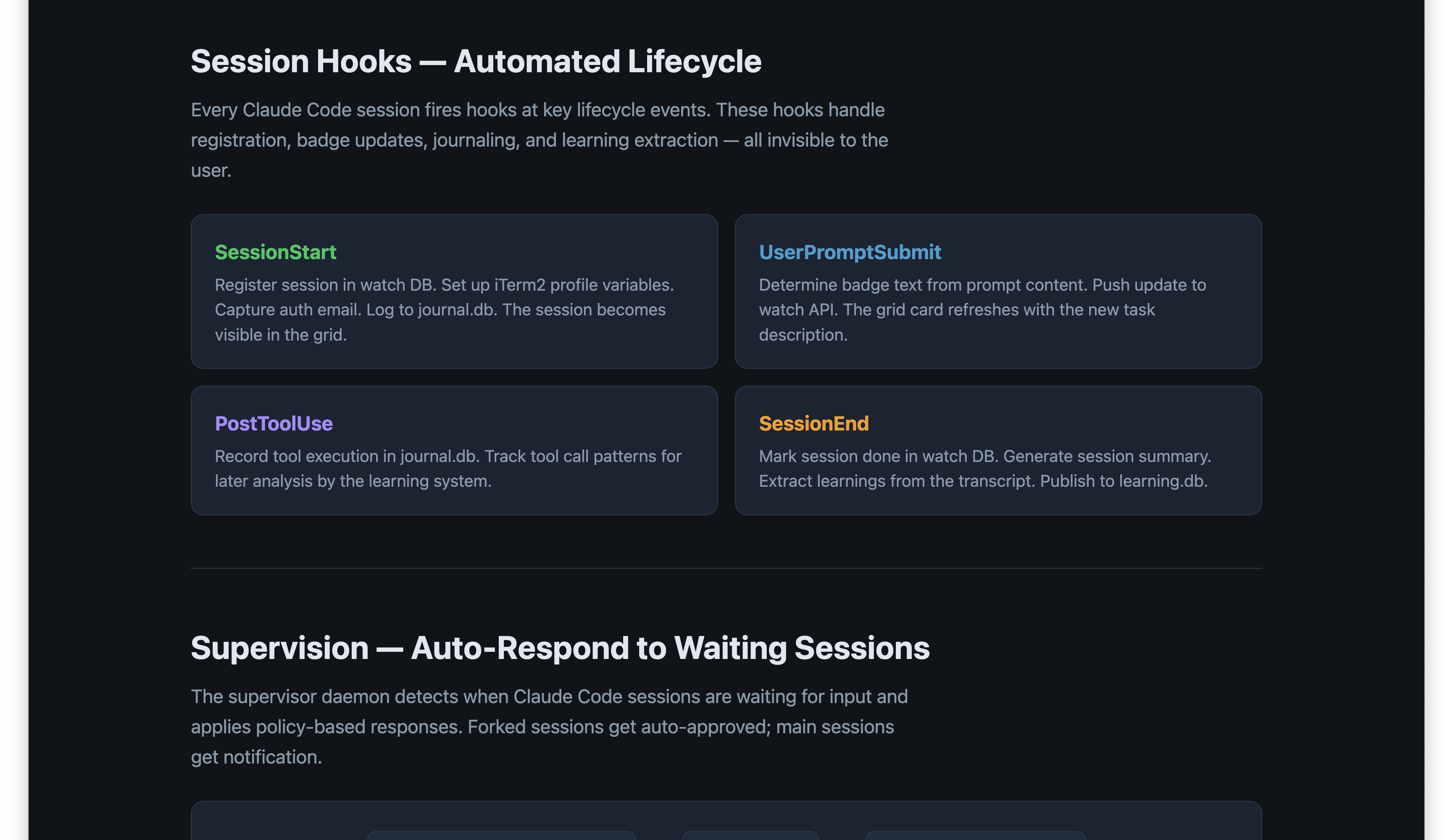
Hooks
SessionStart — register, badge, auth
UserPrompt — update badge + grid
PostToolUse — journal tracking
SessionEnd — summarize, learn
Data
transcripts — Claude Code sessions
learning.db — principles + instances
journal.db — event log
watch state — /tmp/.coord/
CLI Tools
Six tools, each focused on one concern. All available globally via ~/.local/bin/.
Speed-sensitive tools (it2, ai) are written in Go — fast startup, built-in
--help, and auto-generated zsh completions via Cobra. Python/Click handles
richer session analysis (ops, learn).
🔧
ops
Python / Click
Unified session management. Discover, inspect, and control Claude Code sessions.
Warm session pool for instant spawn. Server lifecycle management.
ops listops inspect SESSIONcl pool startops servers
🖥️
it2
Go / Cobra
Fast iTerm2 control via the iterm2d HTTP daemon. ~10ms per operation.
Smart fork: spawns new Claude sessions with auto-naming, emoji, and badge.
it2 fork claude "research X"it2 sessionsit2 activate SESSION_IDit2 set-color ID green
🤖
ai
Go / Cobra
LLM server CLI. Vector embeddings, model calls, streaming output.
Talks to the llm-server daemon running on :8120.
ai embed "text"ai call haiku "prompt"ai health
🪟
appctl
Bash / AppleScript
macOS window control without GUI interaction. Letter-ref addressing
(A, B, C...). Screenshots via Quartz — works on background windows.
appctl windowsappctl screenshot "Chrome"appctl focus Chrome Bappctl minimize Chrome C D
🧠
learn
Python / Click
Knowledge DB CLI. Add observations, extract principles, search past learnings.
LLM-classified on ingest. Auto-materializes to ~/.claude/principles/.
Multi-model parallel prompts. Run the same prompt across 4-9 models simultaneously.
Compare, judge, synthesize. Built-in presets for speed vs depth.
vario gen "prompt" -c fastvario gen "prompt" -c maxthinkvario fetch --markdown URL
The iTerm2 Layer
A persistent daemon (iterm2d) holds an open WebSocket to iTerm2 and serves
HTTP on :6190. Every operation is ~5ms. No subprocess startup cost — the connection is already open.
Why a Daemon?
iTerm2's native Python API requires launching a new script each time (~300ms).
The iterm2d daemon holds the connection open and serves REST — bringing latency down to ~5ms.
This makes it practical to call iTerm2 from hooks, the statusline, and interactive tools
without perceptible lag.
Key Endpoints
/sessions          — All sessions (JSON)
/hierarchy         — Window/tab/pane tree
/badge?session=&text=  — Set badge
/activate?id=      — Focus a pane
/set-color?session=&color=  — Tab color
/split-pane?session=   — Split pane
/send-text?session=&text=  — Type into pane
/resolve-tty?tty=  — Tmux→iTerm2 mapping
Tmux Integration
Inside tmux -CC (control mode), ITERM_SESSION_ID points to the gateway,
not the actual pane. The daemon resolves via TTY matching: get tmux client_tty,
find the iTerm2 session with that TTY. Result is cached in a tmux pane-option for next time.
Fork — Spawn Sessions in 2 Seconds
it2 fork claude "research X" — from intent to running AI session
in two seconds. No manual tab creation, no directory navigation, no typing prompts.
0ms
Resolve current session
Detect iTerm2 session ID (handles tmux via cached pane-option)
~200ms
Create pane
Split pane via iterm2d. Set user.parent_session, user.fork_marker
~500ms
Auto-name + emoji
Extract keywords from prompt → session name. Assign emoji by topic (🔍 research, 🐛 debug, 🧪 test)
~1000ms
Navigate + badge
cd to project directory. Set badge with task description. Confirm via iTerm2 path variable
~1500ms
Launch Claude
Write prompt to temp file (avoids bash escaping). Launch claude with prompt piped in
~2000ms
Return focus
Activate original pane. Forked session runs independently — visible in grid
# Fork into a new pane (default)
it2 fork claude "find all uses of deprecated API"

# Fork into a new tab
it2 fork claude "research X" --target tab

# Fork into a new window with custom directory
it2 fork claude "fix the build" --target window --dir ~/other-project
Autonomous Systems
The real leverage isn't in the tools — it's in the systems that run without you.
Four autonomous capabilities turn passive infrastructure into active agents.
🧠
Learning System
Every session's errors, repairs, and patterns are extracted into
learning.db. Observations get LLM-classified into principles. Future sessions
load relevant principles automatically — the system literally gets smarter with every hour of use.
Currently ~200 principles across 10 domains.
🏥
Doctor
Watches for file changes and test failures. Automatically diagnoses
broken builds, suggests fixes, and generates health reports. Runs UI critiques —
screenshot a page, get structured feedback on layout and design. Visual expectations testing
compares screenshots against baseline to catch regressions without writing unit tests.
You learn about problems before you notice them.
⚡
Supervisor (Sidekick)
Detects when Claude Code sessions are waiting for input and applies
YAML policy-based responses. Forked sessions get safe actions auto-approved; main sessions
get notifications. Attribution prefix [sup] so you always know what was automated.
A forked research session never blocks on "Should I search for X?"
🤖
Autonomous Mode
Hand off a task and walk away. The system logs every decision for review,
spawns sub-sessions as needed, and sends push notifications on completion or when it needs
human judgment. Review a structured audit trail, not a wall of terminal output.
The Pattern
These systems share a design: overgenerate options, then let the human choose.
The supervisor generates responses but only auto-approves safe ones. The doctor generates
diagnoses but surfaces them for review. Learning extracts candidate principles but waits
for evidence before promoting them. The human's job shifts from doing to selecting.
Session Infrastructure
Claude Code records session transcripts. A shared reader (lib/sessions/)
is consumed by three systems that each extract different value from the same data.
Built-in slash commands that give you instant context about what's happening,
what was done, and how to find past work. These run inside any Claude Code session.
/recap
Natural language summary of the current session — what was asked, done,
decided, and what's still open. Like a colleague giving a 30-second verbal update.
What was asked, done, key decisions, outcomes, open threads
/hist
Colored ASCII topic tree of the current conversation. See at a glance
what topics were covered and how the session branched.
devtools presentation
├─ grid screenshot
├─ autonomous systems section
│  ├─ learning, doctor, supervisor
│  └─ "overgenerate so you choose" pattern
├─ session awareness commands
│  └─ /recap, /hist, /jump
└─ commit and push ✓
/jump
Semantic search across all past sessions using embeddings. Find where you
last worked on something, with scored relevance matches — not just keyword grep.
/jump "authentication refactor"
These commands work because every Claude Code session transcript is indexed by the session infrastructure.
/jump searches across all projects; /recap and /hist
synthesize the current session. Combined with the grid, you always know what's happening everywhere.
Other Customizations
Smaller but useful extensions to the Claude Code + iTerm2 foundation.
Statusline
Claude Code's footer repurposed as a command center. A 273-line bash script
running in ~50ms shows: project, git branch, active task, RAM, context %, model, effort level,
cost, and the grid:XXXX link. Five slow operations run in parallel background
subshells with wait.
Provider Profiles
Multiple Claude Code configs coexist — different API providers, models, and effort
levels. ~/.claude-minimax/, ~/.claude-xai/ each have their own
settings.json while symlinking hooks and skills from main ~/.claude/.
Launch with: minmax some_file.py.
Zsh Completions
Go tools (it2, ai) auto-generate completions via Cobra. Click tools (ops, learn)
use Click's completion API. All registered in ~/.zfunc/.
cd tools/cli && make completions regenerates everything.
Why Go?
The it2 and ai CLIs are Go because they need
instant startup (~5ms vs ~200ms for Python), built-in --help with proper formatting,
and Cobra's shell completion generation. Anything that runs in hot paths (statusline, hooks)
benefits from Go's speed.
How It Compounds
Each tool makes the next tool more useful. The system gets smarter as you use it.
🔄
Sessions Feed Learning
Every error, every fix, every pattern gets captured in learning.db.
Future sessions start with that knowledge baked in.
⚡
Fork Enables Parallelism
2-second fork + grid supervision means running 5+ sessions
with less overhead than one session without tooling.
📈
Supervision Removes Bottlenecks
Auto-approve on forked sessions means AI works while you're not watching.
Review results, not permission prompts.
The Meta-Insight
The most productive thing you can build is the thing that makes building everything else faster.
A 2-second fork saves 30 seconds per spawn × 20 spawns per day × 365 days = 60 hours per year
from a single tool. Multiply across six tools, hooks, and automation — and a solo developer
operates at the throughput of a small team.